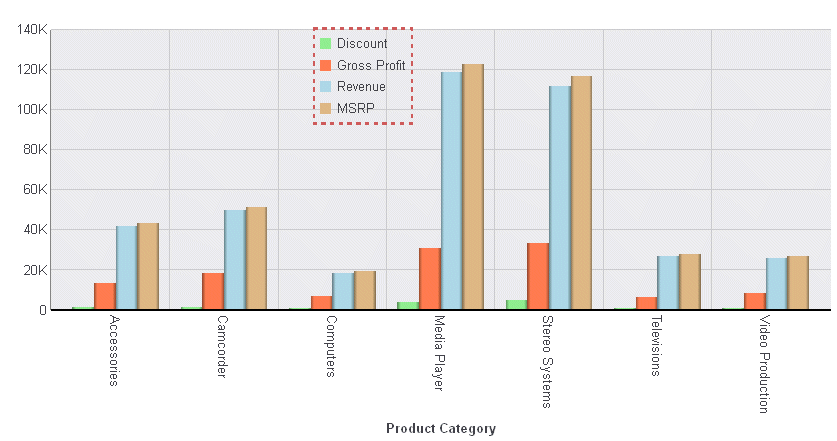
Syntax: How to Control the Legend Position
legend: {position: 'string'}where:
- position: 'string'
Is a string that defines the location of the legend. Valid values are:
- 'bottom'. This is the default value.
- 'free' (floating).
Note: When legend position is set to "free", the legend may draw on top of other chart objects. Use the legend:xy property to define the location of the legend.
- 'left'.
- 'right'.
- 'top'.
- 'auto'. The chart engine positions the legend.
Example: Controlling the Legend Position
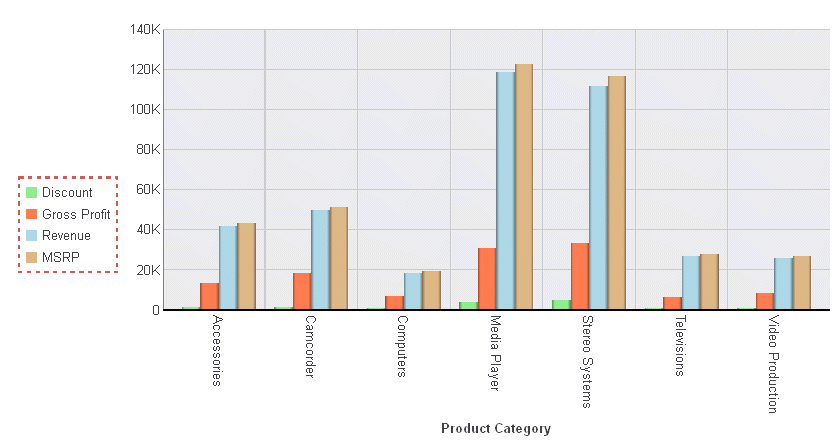
The following request moves the legend to the left of the chart and draws a border around it:
GRAPH FILE WFLITE
SUM DISCOUNT_US GROSS_PROFIT_US REVENUE_US MSRP_US
BY PRODUCT_CATEGORY
ON GRAPH HOLD FORMAT JSCHART
ON GRAPH SET LOOKGRAPH VBAR
ON GRAPH SET STYLE *
INCLUDE=ENDEFLT,$
*GRAPH_JS
   legend: {
     position: 'left',
   lineStyle: {width: 2, color: 'indianred', dash: '4 4'}
   },
series: [
    {series: 0, color: 'lightgreen'},
    {series: 1, color: 'coral'},
    {series: 2, color: 'lightblue'},
    {series: 3, color: 'burlywood'}
]
*END
ENDSTYLE
END
The output is:
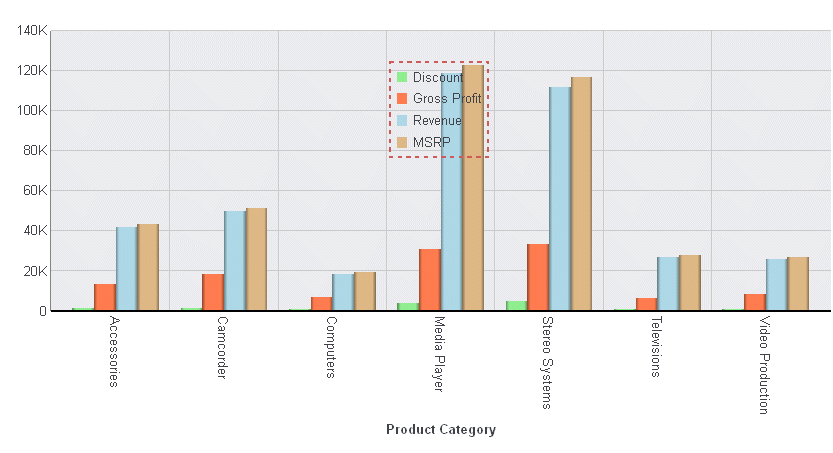
Changing the legend position to 'free' generates the following chart on which the legend is on top of some of the risers:
The position can be moved by specifying x and y locations for the legend:
legend: {
     position: 'free',
    xy: {x:280, y:20},
    lineStyle: {width: 2, color: 'indianred', dash: '4 4'}
   }
The output is: